Der Nerd am Herd
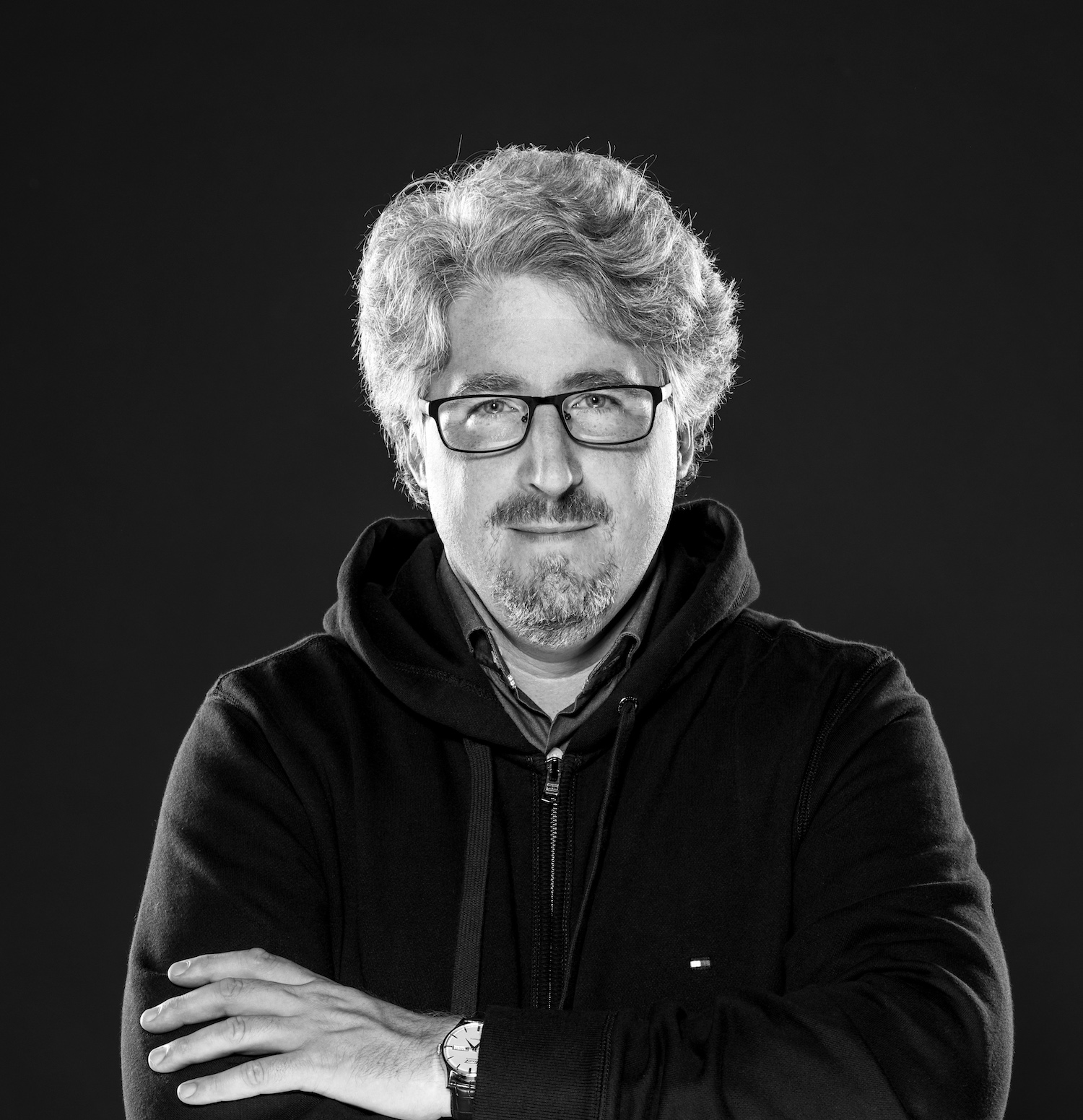
Michael Podvinec ist Wissenschaftler und Koch – leidenschaftlich. Seit jeher interessiert ihn, was genau in Töpfen, Schüsseln und Öfen vor sich geht, wenn exquisites Essen entsteht.
Sein Forschergeist treibt ihn an, es genauer herauszufinden. Doch nicht nur für sich im stillen Kämmerchen, gerne gibt er sein Wissen auch an andere weiter: in Büchern und Zeitschriftenartikeln, in Workshops und an Events. Und vielleicht schon bald mit Ihnen?
Wer? Was? Warum?
Mein Wissen und meine Passion verbinden sich also immer, wenn ich in der Küche stehe oder wenn ich Texte und Rezepte schreibe. Denn geschrieben habe ich schon immer gerne. Dabei ist mein Anspruch, wissenschaftliche Zusammenhänge beim Kochen stets verständlich und anwendbar weiterzugeben. Dafür hat mich schon mal die Schweizer Foodjournalistin Esther Kern als den Harold McGee der Schweiz bezeichnet.
Aus meiner langjährigen Zusammenarbeit mit dem deutschen Spitzenkoch Heiko Antoniewicz sind mehr als eine Handvoll viel beachtete Bücher entstanden, die sich jeweils einem ausgesuchten Aspekt des Geschmacks und der Kulinarik mit Wissen und Rezepten widmen.
Kompetenz
In Events und Workshops werden die theoretischen Grundlagen des Kochens und des guten Geschmacks interessant,
kompetent und gleichzeitig spielerisch und eingängig vermittelt. Hier arbeiten wir immer wieder auch mit Spitzenköchen zusammen, damit auch die praktische Anwendung des Erklärten nicht zu kurz kommt.
Wissen teilen ist Wissen vermehren.
Ich liebe es, mein Wissen weiterzugeben. Neben dem Schreiben von Büchern verfasse ich auch unter anderem eine regelmässige Rubrik in marmite, dem Schweizer Magazin für Ess- und Trinkkultur.Mein Wissen vermittle ich auch in Events, Kursen und Workshops – gerne auch auf genau Ihre Bedürfnisse angepasst.
Kommen wir ins Gespräch?
Sind Sie neugierig geworden? Möchten Sie sich mitteilen?
Haben Sie eine Frage, eine Projektidee, ein Event, das ansteht? Ich freue mich auf Ihre Nachricht.
Kontakt